Here we present three functions of our online course function:
- The video streaming and
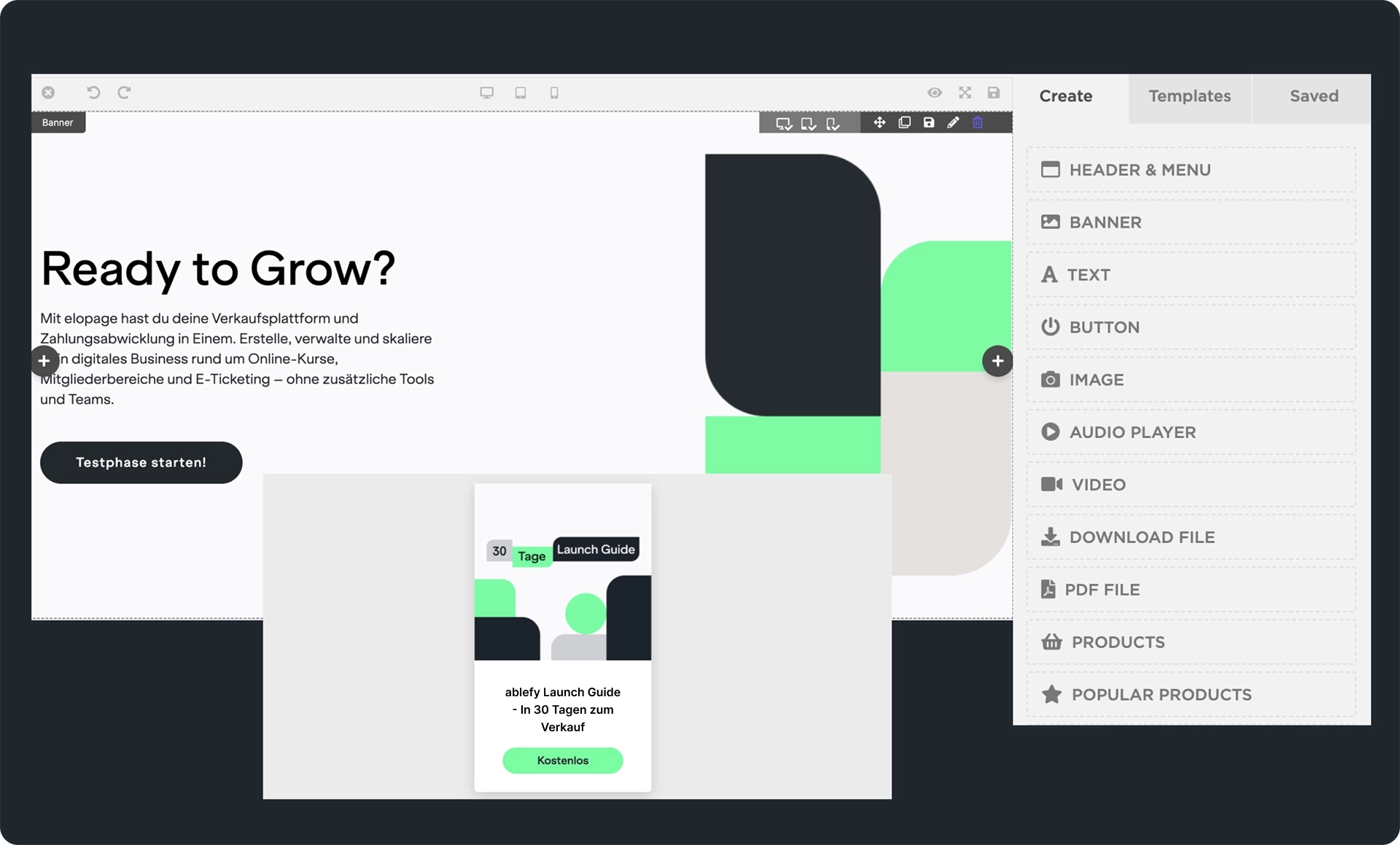
- the page builder for designing your course pages
- Download files in the course
With video streaming , you can upload and stream your videos directly in your online courses in a GDPR-compliant and absolutely secure way! We also make creating your courses as easy as possible. The page builder offers various content boxes, drag & drop and more.
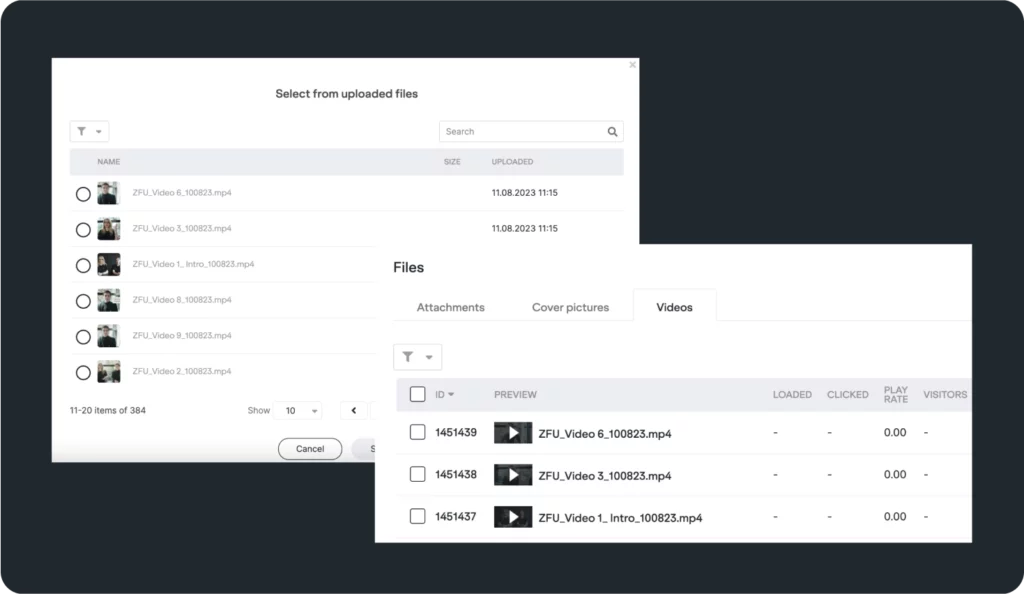
Upload and stream videos directly in the course
With the video app, you can upload and stream your videos directly in your online course.
Your advantages:
-
- GDPR-compliant video streaming
-
- your videos are protected from outside access
-
- super easy upload and instant streaming
-
- all on one platform
-
- Built-in video player
Super easy to create online courses with the page builder
Creating online courses with ablefy has always been easy. The WYSIWYG editor allows you to integrate images and videos , write and format texts. Using the HTML view of the editor, you can even add additional styles to customize your lessons, for example with buttons, tables and more.
You can easily upload videos or images, write texts and place attachments via various boxes. The page builder improves the mobile capability of your courses and makes it even easier for you to create your courses quickly. Duplicate the pages and use the individual boxes as well as the drag & drop function to quickly adapt the duplicated pages and fill them with new content.
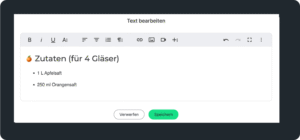
Writing texts (WYSIWYG editor)
With the text box, you can not only write texts, but also integrate images and videos directly.
Upload images
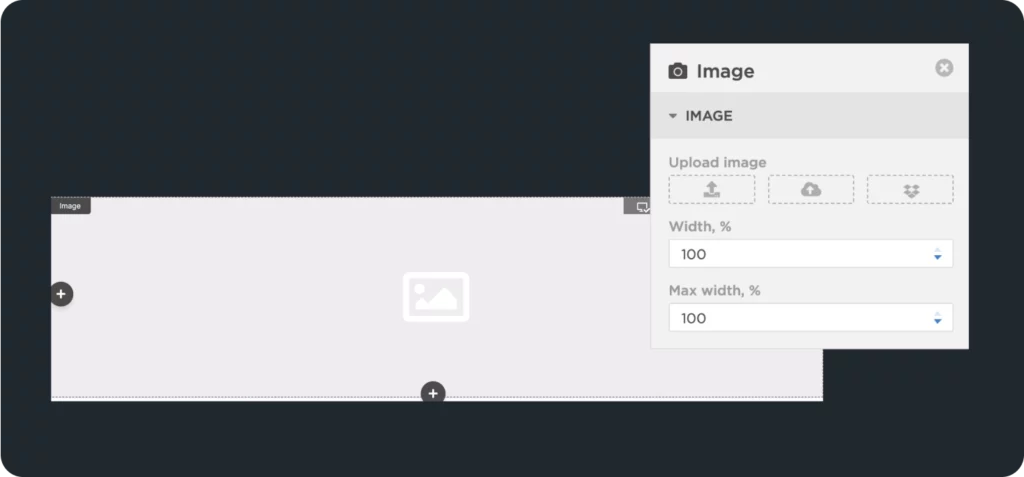
In the image box, you can upload an image directly and drag and drop it within the page. Create two- or three-column layouts, move the individual elements around, and design your site exactly the way you want it to be without much effort.
Load the image from your PC, from your ablefy media library or directly from your Dropbox into your online course.
Stream videos
As mentioned above, you can upload your videos directly to your online courses in a GDPR-compliant and secure way. To do this, simply select the box with the video icon and upload the video directly from your PC. Once the video is uploaded, it will automatically play in a player and you can also drag and drop your video and position it anywhere on your page – no coding required!
Offer course files for download
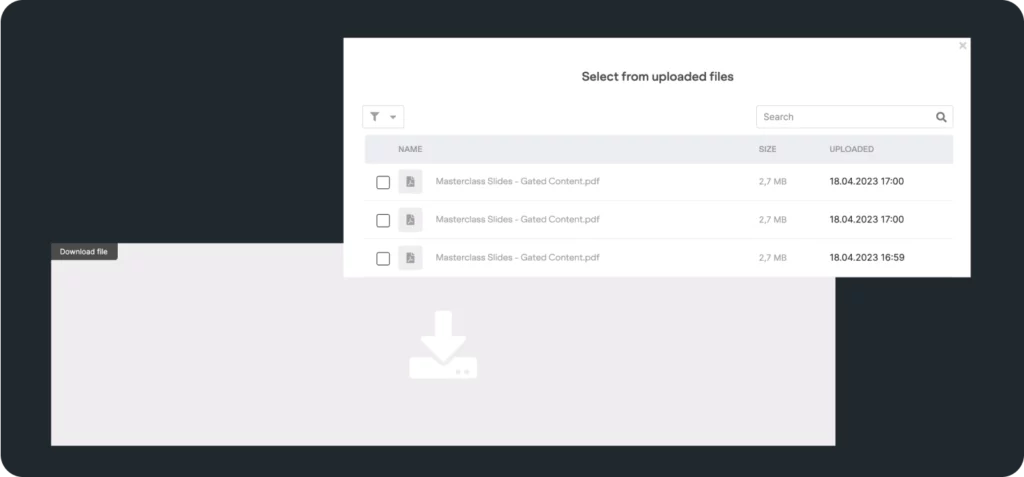
The last option is to upload file attachments. These can be audio files, short video clips or, for example, PDFs with checklists, workbooks and the like for your course participants. Your participants can download these files and consume them offline.
You are free to choose the position for your file attachments. For example, if you address two subtopics in one lesson, you can create multiple boxes with file attachments and assign the respective downloads directly to the correct content.
Create Course Pages in Minutes
With the page builder and video streaming, you can create your course pages and fill them with content in just a few minutes. The ability to rearrange the boxes again and again using drag & drop helps you to test different constellations super quickly and easily. You don't need any programming knowledge to do this and you don't have to tinker with the code every time you make a change. Simply click on a box and put it back where you want it. Try it out right away!